

Blocks
This is the page description area. It is also on every General page regardless of the other Blocks that are chosen to have displayed on that page. This is more text to ensure I have enough to fill the entire space so we know what it looks like. HMTL formatting works here.


Sub Heading: Displays a headline only. This is a block that inputs text in headline formatting full width aka fills entire page/site span.
*Heading* • Columns (with media)
*Paragraph* Displays two to four columns in one row as image and text combinations. If using this block, images AND copy are required.
Read more

*Heading* • Columns (with media)
*Paragraph* Displays two to four columns in one row as image and text combinations. If using this block, images AND copy are required.
Read more
*Heading* • Columns (with media)
*Paragraph* Displays two to four columns in one row as image and text combinations. If using this block, images AND copy are required.
*Heading* Columns (text only)
*Paragraph* Displays two to four text-only columns in one row. Optional selection of gray background is available. Use the Enter/Return key to insert a line break and the Hyphen key to mimic bullet functionality.
Read more
*Heading* Columns (text only)
*Paragraph* Displays two to four text-only columns in one row. Optional selection of gray background is available. Use the Enter/Return key to insert a line break and the Hyphen key to mimic bullet functionality.
Read more
*Heading* Columns (text only)
*Paragraph* Displays two to four text-only columns in one row. Optional selection of gray background is available. Use the Enter/Return key to insert a line break and the Hyphen key to mimic bullet functionality.
Read more
*Heading* Columns (text only)
*Paragraph* Displays two to four text-only columns in one row. Optional selection of gray background is available. Use the Enter/Return key to insert a line break and the Hyphen key to mimic bullet functionality.
Read more
*Heading* Columns (text only)
*Paragraph* Displays two to four text-only columns in one row. Optional selection of gray background is available. Use the Enter/Return key to insert a line break and the Hyphen key to mimic bullet functionality.
Read more
*Heading* Columns (text only)
*Paragraph* Displays two to four text-only columns in one row. Optional selection of gray background is available. Use the Enter/Return key to insert a line break and the Hyphen key to mimic bullet functionality.
Read more
*Heading* Text (no image)
Read more
*Heading* Text (with image)
Read more
*Heading* Text (with video)
Read more
Accordion title
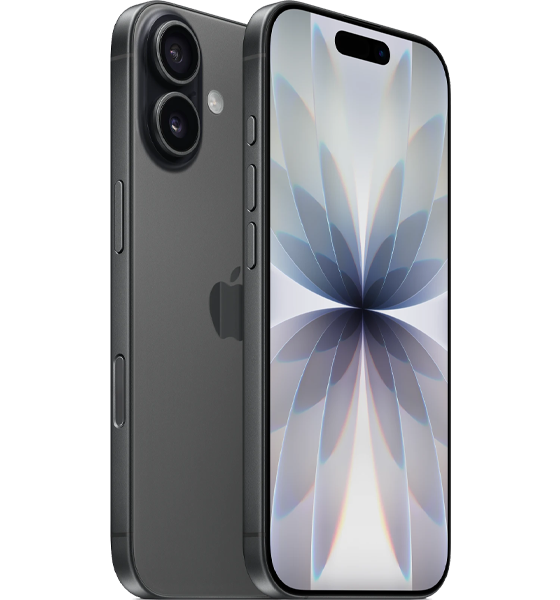
Apple iPhone 17
Samsung Galaxy Z Flip7
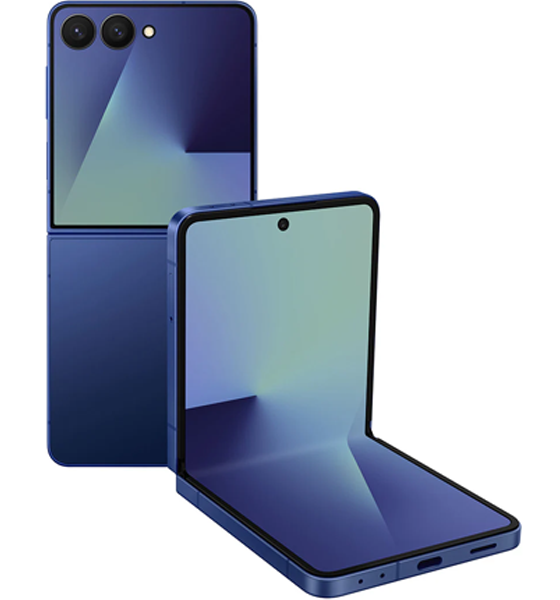
Comparison title
price
quanti
Terms text
Comparison content
Comparison title
price
quanti
Terms text
Comparison content